Toy drones in 2026 are safer than the plastic bricks of five years ago, but the category is full of junk that dies after three flights. Kids ages 8 to 15 need a drone that can handle wall hits, backyard wind, and repeated battery cycles. That is why we focus on durability, weight, and real flight time instead of spec sheet nonsense. If a drone weighs more than 250 grams, the FAA’s drone rules require registration. All five picks below stay under that limit, which makes ownership simpler for parents. Check drone laws in the USA for the full picture.
Piloting skill develops fastest when the drone does not fight the pilot. For beginners, altitude hold, propeller guards, and one-key takeoff matter more than GPS or obstacle avoidance. We tested each unit indoors and in light wind, with repeat flights to check battery claims. The Ryze Tello, for example, flies a real 13 minutes per pack, while cheaper toy drones often die at half their listed time. A drone that fights you teaches nothing except frustration. Our full best drones for beginners guide explains the stepping stone approach from toy to camera drone.
Rules are boring until a park ranger or police officer asks to see your registration. In the United States, recreational pilots may need to pass the free FAA TRUST test. The FAA registration threshold is 250 grams, and every drone in this guide weighs 135 grams or less. Canadian families should review Transport Canada drone safety rules before flying anything with a camera. Small toy drones are usually exempt, but the line shifts when you add a remote ID capable model.
Budget matters, but access to spare batteries matters more. A $40 drone with three batteries often outlasts a $99 drone with one. Charging one pack while flying another triples stick time. We also looked for drones that do not require a smartphone for basic flight, because not every 8-year-old has one. Spare propellers and landing pads help, but the drone itself must survive ordinary mistakes. A first drone should be cheap to repair, not cheap in the worst sense. It should keep flying after at least twenty crashes. That filter eliminated most toy drones and left the five picks below.
How Do the Top Options Compare?
| Drone | Best For | Flight Time | Weight | Price |
|---|---|---|---|---|
| Potensic A20W | First-time pilots ages 8-10 | 6 min per battery | 50 g | $40 |
| Ryze Tello | Coding and stable video | 13 min | 80 g | $99 |
| DJI Neo | 4K camera and palm launch | 18 min | 135 g | $199 |
| HoverAir X1 | Hands-free follow shots | 11 min | 125 g | $349 |
| BetaFPV Cetus Pro Kit | First FPV flights | 4-5 min per battery | 60 g | $229 |
Prices and flight times are approximate as of 2026. Always verify current specs and local drone laws before purchase.
1. Potensic A20W , Best for First-Time Pilots Ages 8-10
Most toy drones break on the first hard landing. The Potensic A20W is built for that reality. It weighs 50 grams, so the FAA does not require registration. Prop guards and altitude hold keep it predictable in small living rooms and backyards. Flight time is short at 6 minutes per battery, but the kit includes three batteries. That gives roughly 18 minutes of total stick time. The 480p WiFi camera is not for making movies. It is good enough for kids to see a live first-person view on a phone. Before buying, check our best drones under $100 guide for more cheap options. Also read how to fly a drone for beginners so the first flight does not end in a tree.
Key strengths:
- ✅ Comes with three batteries for extended indoor sessions
- ✅ Weighs 50 grams, so no FAA registration
- ✅ Prop guards and altitude hold make it beginner-safe
- ✅ Easy to repair and cheap to replace
- ✅ Works without a smartphone for basic flight
- ❌ 6 minute flight time per battery
- ❌ 480p camera is nearly unusable outdoors
- ❌ Small transmitter feels cramped for adult hands
Who it’s for: Choose this if your child is 8-10 and you want an affordable first drone that can survive crashes. Check the Potensic A20W on Amazon.
2. Ryze Tello , Best for Coding and Stable Video
Think of the Tello as a learner drone that grows with a kid. It weighs 80 grams, so it stays under the FAA registration threshold. The 13-minute flight time is above average for a $99 drone. It shoots 5MP stills and streams 720p video to a phone. Unlike cheap toy drones, the Tello has a real downward-facing vision sensor. It holds position indoors, which prevents many wall collisions. You can also program it with Scratch, a big plus for STEM-minded kids. The Tello uses DJI flight tech, but it is not sold as a DJI drone. If you want a newer camera-focused starter, compare it with our best drones for beginners guide. For longer flight sessions, buy extra batteries and charge them before heading outside.
Key strengths:
- ✅ 13 minutes of flight per battery
- ✅ 80 gram weight means no FAA registration
- ✅ Downward vision sensor for stable indoor hovering
- ✅ Scratch programming support for STEM learning
- ✅ 5MP still photos look decent for social clips
- ❌ No gimbal, so video can look shaky
- ❌ Range drops quickly outdoors in wind
- ❌ Spare batteries add cost
Who it’s for: Pick the Tello if your kid wants coding and steadier video without spending over $100. Check the Ryze Tello on Amazon.
3. DJI Neo , Best for Older Kids Who Want 4K Video
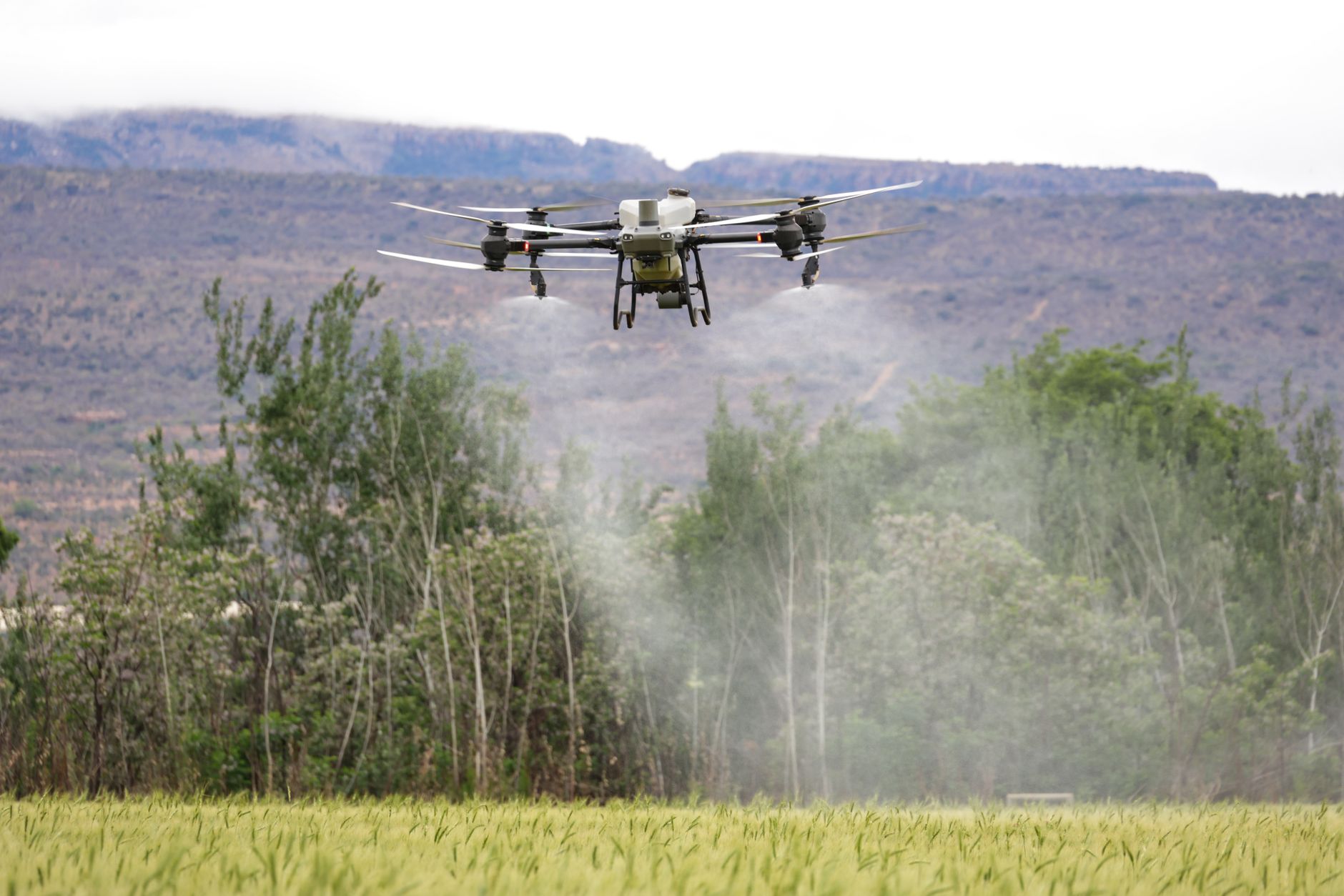
After learning on a toy drone, the DJI Neo feels like a huge step up. It weighs 135 grams and has full propeller guards, yet the camera uses a 1/2-inch sensor. That sensor captures 4K at 30fps and 12MP stills, which is rare below $200. Official specs list an 18-minute flight time with a full battery. Palm launch is the standout feature. Select a quick shot, set it on your hand, and press the mode button. It takes off, flies the route, and lands back in your hand. That simplicity helps younger pilots get good results without advanced stick control. Range extends to 10 km with a compatible DJI controller, but most kids will use phone Wi-Fi at closer distances. Check the DJI official product page for current pricing and firmware details. The Neo also appears in our best DJI drones compared guide if your teen wants to move into a full remote-control workflow.
Key strengths:
- ✅ 1/2-inch camera sensor shoots 4K at 30fps
- ✅ 18 minute flight time
- ✅ Full propeller guards protect fingers and walls
- ✅ Palm launch and landing make it easy
- ✅ Weighs 135 grams, under FAA registration limit
- ❌ Phone control range is short in Wi-Fi mode
- ❌ No gimbal on this model
- ❌ Controller sold separately
Who it’s for: Buy the Neo for ages 11-15 who want real camera quality with built-in safety.
4. HoverAir X1 , Best for Hands-Free Follow Shots
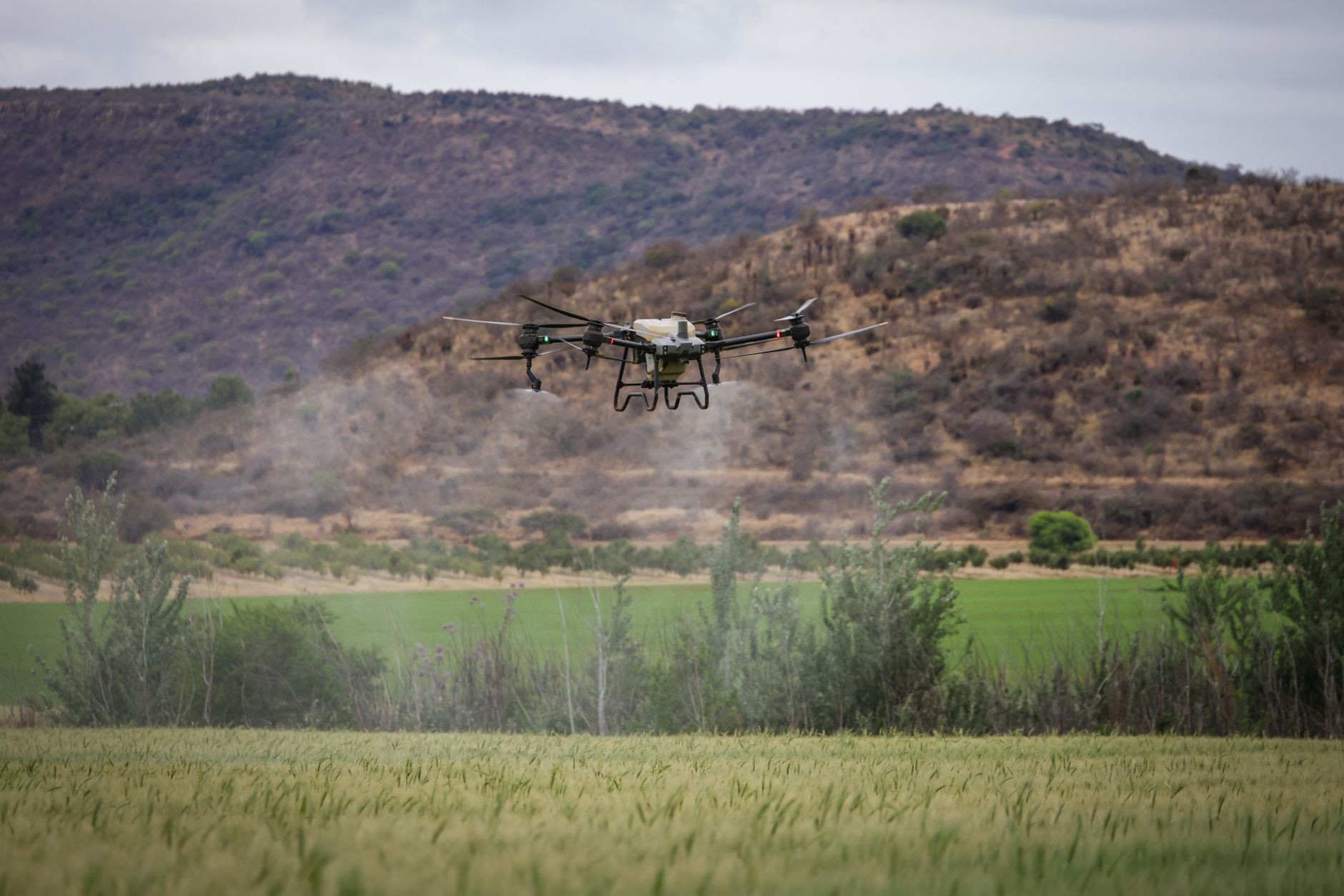
The HoverAir X1 solves a specific problem: kids want to film themselves without piloting. It weighs 125 grams, so the FAA registration threshold does not apply. The enclosed propeller design makes it one of the safest drones on this list. Flight time is 11 minutes per battery, which is enough for short follow-me clips. Pick a mode like Follow, Hover, or Orbit and the X1 takes care of the rest. Video quality is 2.7K at 30fps, which looks clean on a phone screen but falls short of the DJI Neo’s 4K. The 30-meter range limit is intentional. It stays close, which is exactly what you want for a kids’ self-filming drone. If you need more camera-focused options, see our best drones for aerial photography guide. The X1 is also closer to a flying camera than a traditional drone, so pair it with best drone accessories for spare batteries and a travel case.
Key strengths:
- ✅ Enclosed propeller design is very safe
- ✅ 125 gram weight avoids FAA registration
- ✅ One-button Follow and Orbit modes
- ✅ 2.7K video is solid for social content
- ✅ No controller needed
- ❌ 11 minute flight time is short
- ❌ Cannot fly in strong wind
- ❌ Range limited to 30 meters
Who it’s for: Choose this if your kid wants automatic self-filming more than manual drone piloting.
5. BetaFPV Cetus Pro Kit , Best for First FPV Flights
FPV drones fly differently. The BetaFPV Cetus Pro Kit includes a dedicated FPV remote, goggles, and a small drone. It is not a camera drone. The focus is on learning throttle, yaw, and roll in a controlled space. The drone weighs about 60 grams, so FAA registration is not required. Flight time is the weak point. You get 4 to 5 minutes per battery, but the kit includes two or three batteries depending on the package. The analog FPV camera is low resolution. That is normal for entry-level FPV. What you gain is a direct path to manual flight skills that toy drones cannot teach. For general beginner flight, read how to fly a drone for beginners before touching the sticks. FPV goggles also require practice, so plan to fly in a large empty room or grass field.
Key strengths:
- ✅ Includes controller, goggles, and drone
- ✅ Crash-resistant frame and prop guards
- ✅ Teaches real FPV control skills
- ✅ Weighs about 60 grams, no FAA registration
- ❌ 4 to 5 minute flight time per battery
- ❌ Low-resolution analog FPV feed
- ❌ Not suitable for photography
Who it’s for: Pick the Cetus Pro if your kid wants to learn FPV racing instead of camera flying.
Frequently Asked Questions
Do kids need to register a drone with the FAA?
Most toy drones under 250 grams do not require registration. All five drones in this guide weigh 135 grams or less. If your drone weighs 250 grams or more, you must register it with the FAA before flying outdoors.
What is a good first drone for an 8-year-old?
The Potensic A20W is a good first drone because it weighs 50 grams, has propeller guards, and includes three batteries. It is slow enough for indoor flights and cheap to replace.
Can kids fly a drone with a camera without a license?
Yes, for recreational use. In the US, you may need to complete the free FAA TRUST test. A Part 107 license is only required for commercial flights.
How long do kid-friendly drones fly on one charge?
Flight times range from 4 to 5 minutes on an FPV drone like the BetaFPV Cetus Pro to 18 minutes on the DJI Neo. Most toy drones fly 6 to 7 minutes per battery.
Are FPV drones safe for kids?
Entry-level FPV kits like the BetaFPV Cetus Pro are safe when flown indoors or in open fields with prop guards. FPV flying requires more practice and should start at low speeds.
What should parents look for before buying?
Look for propeller guards, altitude hold, a weight under 250 grams, and spare batteries. Avoid drones without any stabilisation because they will frustrate beginners.
What Should You Remember?
- Weight matters: Every drone on this list weighs under 250 grams, so most pilots skip FAA registration.
- Flight time: Cheaper toy drones fly 6 to 7 minutes per battery. The DJI Neo reaches 18 minutes.
- Camera quality: The DJI Neo’s 1/2-inch sensor shoots 4K. Toy drones stream low-resolution FPV only.
- Safety first: Propeller guards and altitude hold are non-negotiable for ages 8-12.
- Skill path: Start with a toy drone, then move to a coding drone like the Ryze Tello or a camera drone like the DJI Neo.
- Rules matter: US and Canadian drone rules differ, so check the FAA or Transport Canada before flying.
This article is for general information only. Drone regulations vary by region and change frequently — always verify current local laws and airspace rules before flying.