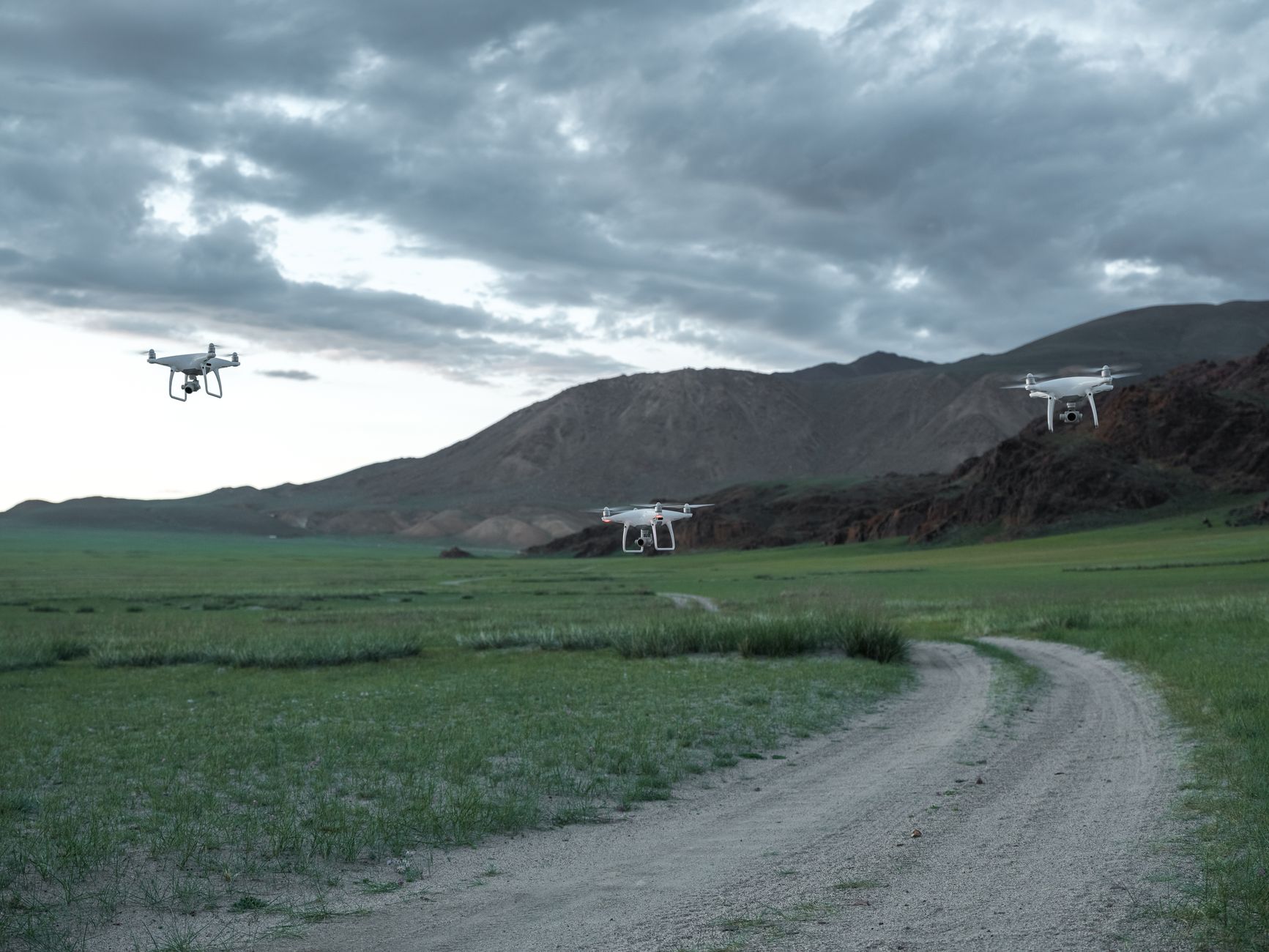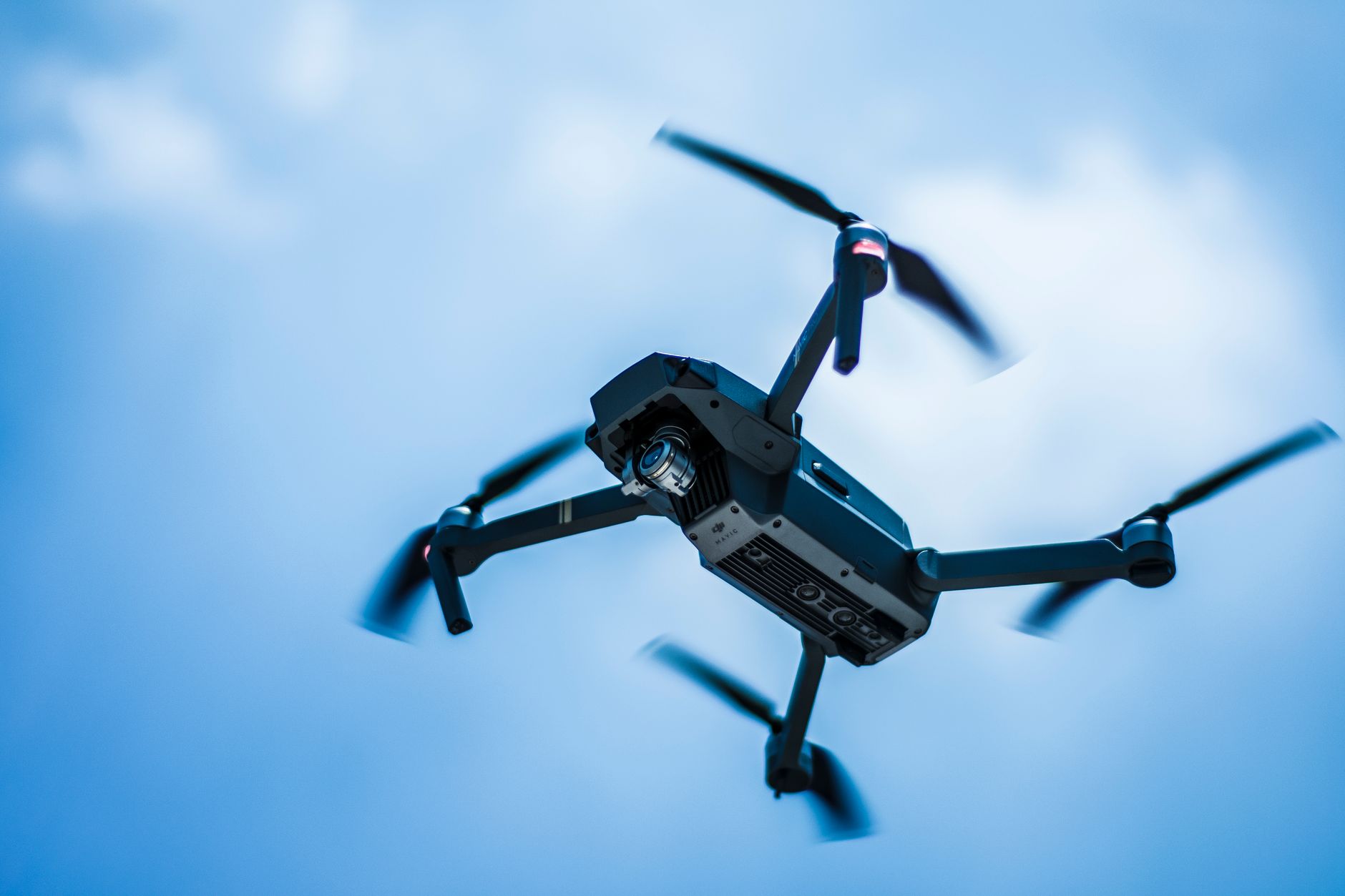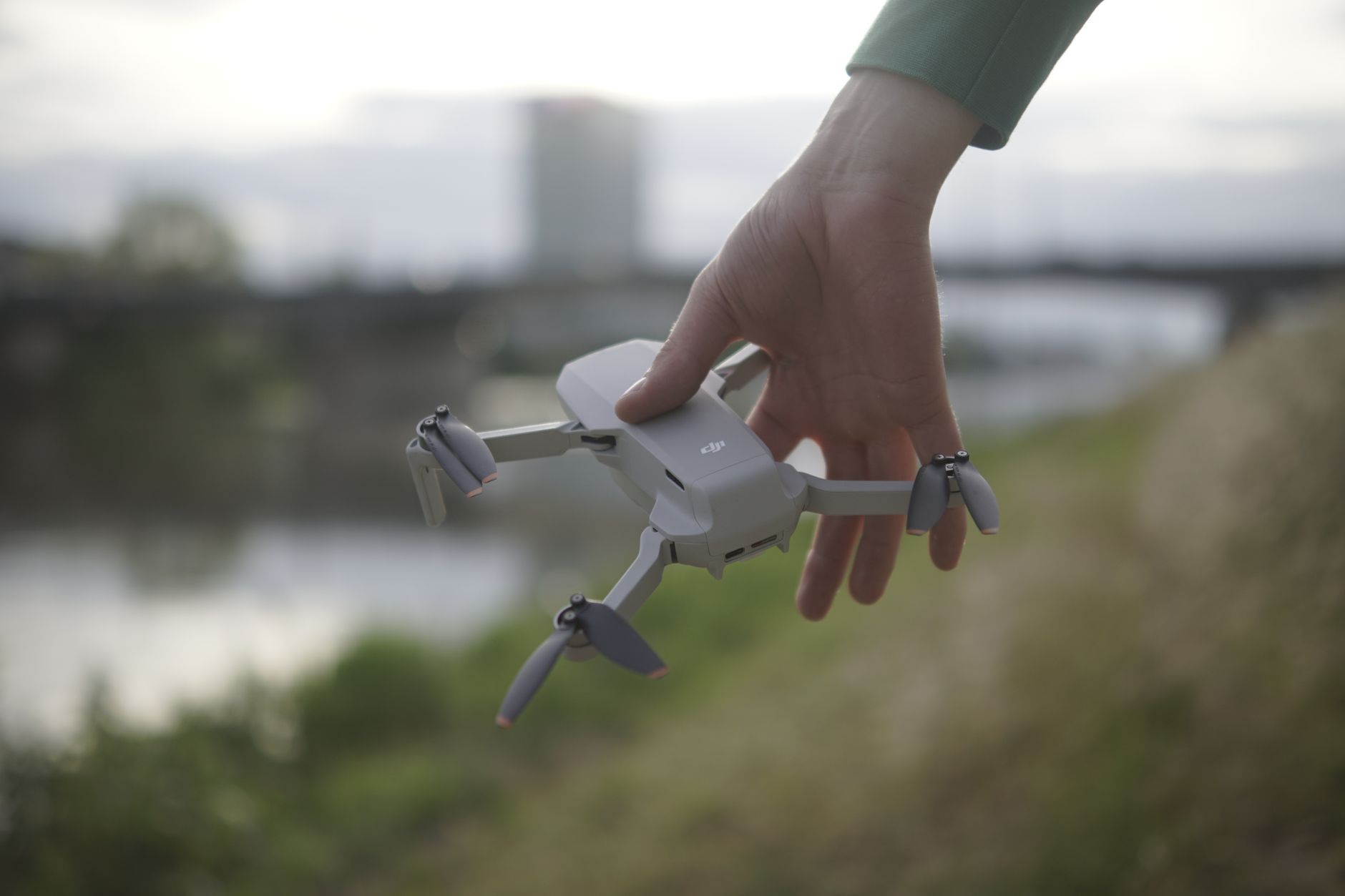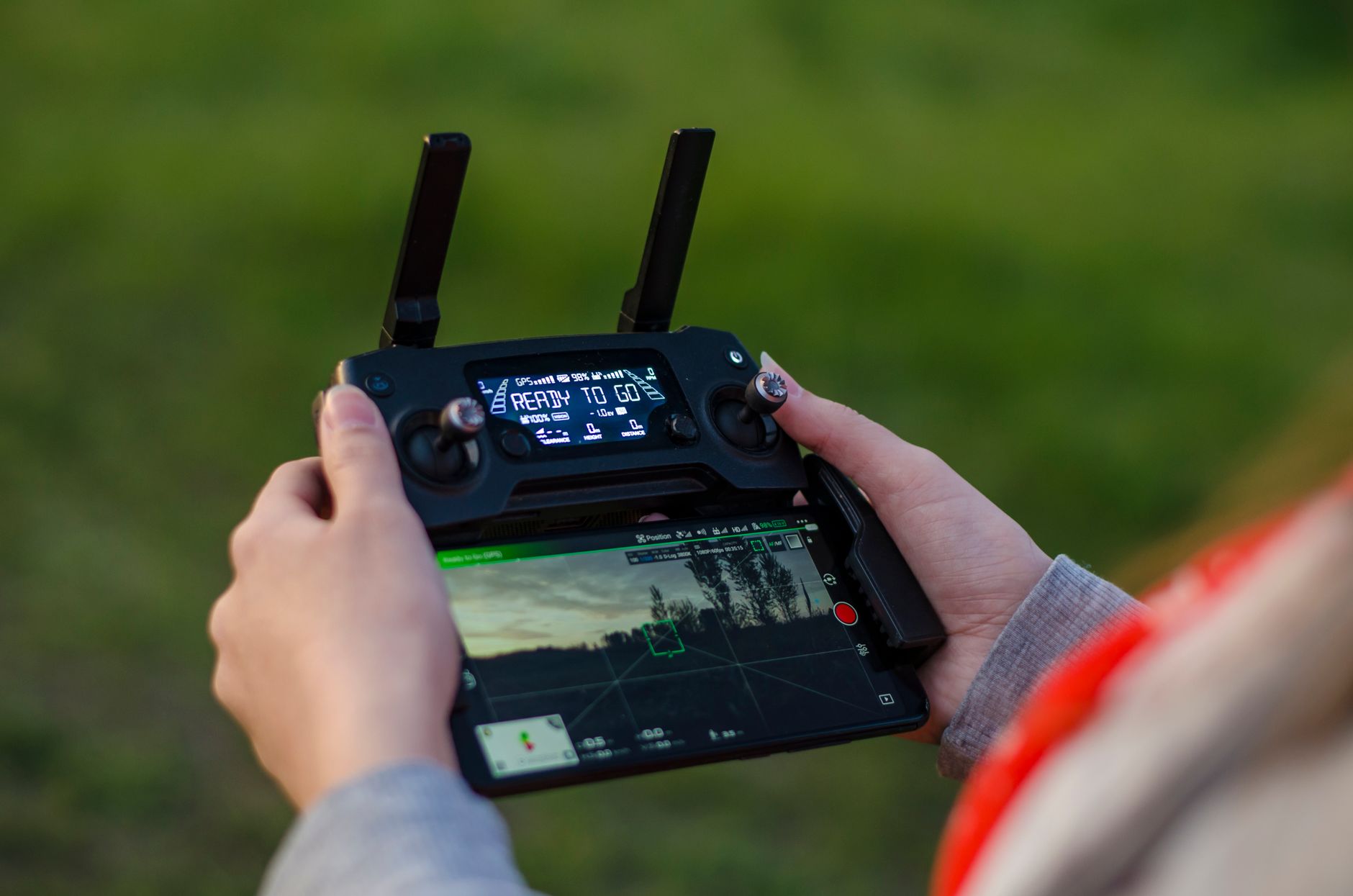
FPV drones put you in the cockpit. In 2026, you can buy a complete ready-to-fly kit for less than $300 or build a 5-inch digital quad that covers 100 meters in seconds. This guide focuses on the best ready-to-fly, analog, and digital FPV drones we have tested. We flew all of these models, crashed them, repaired them, and compared their video feeds. The right pick depends on your local airspace rules, your budget, and whether you want to race, fly freestyle, or shoot cinematic footage. Many pilots start with analog because it costs less and has lower latency. Others skip straight to digital for the HD view. We explain both paths below.
Analog and digital video systems split the FPV market sharply. Analog transmits a standard definition feed with near zero delay. Digital systems like DJI O3 and Walksnail display 1080p or 4K with a bit more latency. For tight racing gates, analog still wins on reaction time. For freestyle and cinematic work, digital helps you see branches, wires, and texture. In 2026, many bind-and-fly quads support both systems. After your first crash, you will need spare props and batteries. Our best drone accessories guide covers the tools and parts worth keeping in your pack. Before your first flight, check the FAA’s drone registration rules. Any drone over 250 grams requires registration in the USA. In Canada, Transport Canada drone safety has similar basic and advanced operation rules.
Ready-to-fly kits include the drone, radio, goggles, batteries, and charger. Bind-and-fly drones assume you already own a transmitter and goggles. That distinction matters because a good radio and goggles can cost more than the quad itself. For beginners, a ready-to-fly kit removes setup frustration. For pilots with existing gear, a bind-and-fly quad saves money. The Cetus X kit below is our favorite first FPV purchase because you unbox, bind, and launch within an hour. If you are still learning upright drone flight, read our best drones for beginners guide before switching to acro.
We judged each drone on flight time, weight, price, durability, and video quality. The DJI Avata 2 flies about 23 minutes and weighs 377 grams with battery. The BetaFPV Cetus X flies about 8 minutes and stays under the FAA registration weight limit. This list includes analog and digital rigs across different sizes and price points. Check drone laws in the USA to see which drones require Remote ID. If you want to train before buying, our how to fly a drone for beginners article recommends simulator time. That practice prevents expensive early crashes.
How Do the Top Options Compare?
| Drone | Best For | Video System | Flight Time | Weight | Price |
|---|---|---|---|---|---|
| BetaFPV Cetus X FPV Kit | Beginner indoor/outdoor ready-to-fly | Analog 5.8GHz | 8 minutes | 55g | $299 |
| EMAX Tinyhawk III Freestyle | Analog outdoor acro practice | Analog 5.8GHz | 4-6 minutes | 46g | $149 |
| DJI Avata 2 | Cinematic FPV and motion control | DJI O4 digital | 23 minutes | 377g | $999 |
| iFlight Nazgul Evoque F5D | 5-inch digital freestyle | DJI O3 digital | 7-9 minutes | 700g | $599 |
| GEPRC Cinelog35 V2 | Indoor cinematic whoop | DJI O3 or Walksnail digital | 8-10 minutes | 390g | $499 |
Prices are manufacturer suggested retail and vary by bundle. Flight times measured in calm conditions with recommended batteries.
1. BetaFPV Cetus X FPV Kit , Best All-In-One Starter Kit
The Cetus X is a ready-to-fly analog whoop that ships with everything you need. The box includes the drone, a LiteRadio 3 transmitter, BetaFPV VR03 goggles, two batteries, a charger, and a case. Total weight with battery is about 55 grams, so it stays under the FAA registration threshold. Flight time runs about 8 minutes per pack, enough to learn throttle control and basic turns. The analog video feed is clear up to 50 meters indoors or around a small yard.
Why we recommend it for beginners. The ducted props protect walls and fingers. It can run angle mode for stable hover, horizon mode for sport practice, and full acro when you want flips. The 1S or 2S battery option changes power. Expect to replace prop guards after hard crashes. The supplied goggles are basic but functional. If you outgrow them, you can bind the drone to better analog goggles later. We like this over toy drones because it teaches real FPV control without a $1,000 buy in. At about $299, check the BetaFPV Cetus X on Amazon for current bundle pricing.
Key strengths:
- ✅ Includes drone, radio, goggles, and charger in one box
- ✅ 55 gram ready-to-fly weight keeps it below FAA registration
- ✅ Ducted props survive indoor hits
- ✅ Runs angle, horizon, and acro modes
- ✅ Spare batteries and case included
- ❌ Analog video feed lacks HD detail
- ❌ 8 minute flight time per battery feels short
- ❌ Stock radio and goggles are basic
Who it’s for: A first-time FPV pilot who wants a complete ready-to-fly kit under $300.
2. EMAX Tinyhawk III Freestyle , Best Analog FPV Drone for Acro Practice
The Tinyhawk III Freestyle is a bind-and-fly analog quad for pilots with a radio and goggles. It weighs 46 grams and runs 2S batteries, so it can fly outside in light wind. Flight time is 4 to 6 minutes depending on how hard you push the throttle. The carbon fiber frame and 3-inch props make it tougher than a whoop and more agile in open spaces. Because it is analog, the video link adds almost no latency, which matters for flips and quick gates.
This drone rewards practice. The tune out of the box is predictable. You can lower rates for smooth freestyle or raise them for fast snap rolls. The camera is a small Runcam Nano 4 or similar, good enough for composition but not for recording cinematic footage. We recommend adding a buzzer because finding a 46 gram quad in grass is annoying. This is not a drone for raw beginners unless you already have basic angle mode skills. It is an inexpensive bridge to 5-inch power.
Key strengths:
- ✅ Weighs 46 grams and handles outdoor wind
- ✅ Analog latency is nearly instant for acro
- ✅ Carbon fiber frame survives moderate crashes
- ✅ Low price lets you experiment with rates and props
- ❌ Requires a separate transmitter and goggles
- ❌ 4 to 6 minute flight time per battery
- ❌ No HD recording on board
Who it’s for: Pilots with existing FPV gear who want a cheap analog freestyle trainer.
3. DJI Avata 2 , Best Ready-to-Fly Digital FPV Drone for Cinematic Shots
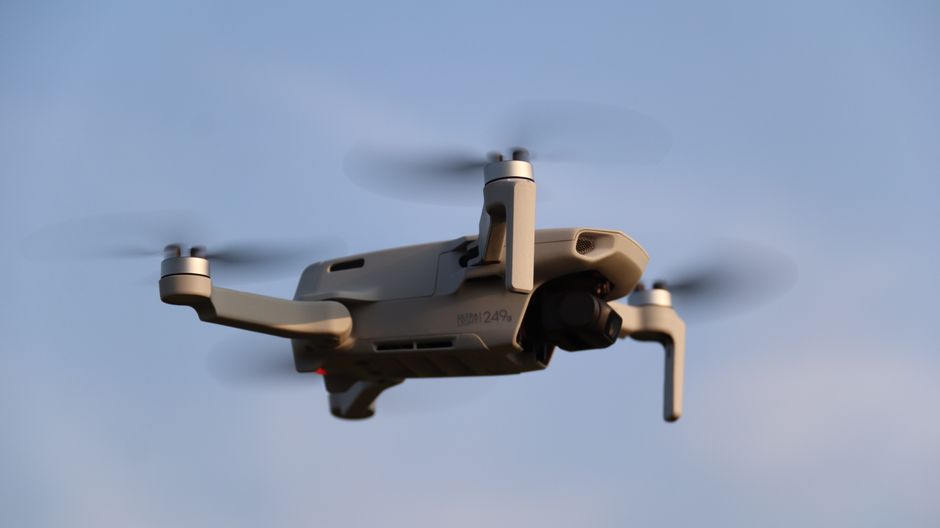
The DJI Avata 2 is a ready-to-fly digital FPV system that includes the drone, motion controller, and DJI Goggles 3. It weighs 377 grams with battery and flies 23 minutes on a single charge, which is more than double most analog quads. The integrated camera shoots 4K at 60fps and handles low light better than most action camera mounts. Its ducted design lets it bounce off branches and keep flying. That matters when you fly gaps between trees or chase a moving subject.
This is the easy route to cinematic FPV. Put the goggles on, squeeze the motion controller trigger, and the drone flies forward. The controller steers like a joystick. If you want full manual acro, you can bind the DJI FPV Remote Controller 2 and fly in manual mode. The obstacle sensors are not perfect, so keep your altitude. For battery lifespan, follow a proper storage charge routine. Our drone battery care guide covers that. Pricing for the Avata 2 Explorer Combo starts around $999. Check DJI’s official product page for current bundles, or see the DJI Avata 2 on Amazon.
Key strengths:
- ✅ 23 minute flight time on a single battery
- ✅ 4K 60fps video with built-in stabilization
- ✅ Motion controller simplifies cinematic flying
- ✅ Ducted props survive minor collisions
- ✅ Digital HD feed is clearer than analog
- ❌ Heavier than open rotor FPV quads
- ❌ Repairs cost more than analog drones
- ❌ Motion controller is not ideal for hard acro
Who it’s for: Creators who want HD FPV footage without building or tuning a drone.
4. iFlight Nazgul Evoque F5D , Best 5-Inch Digital Freestyle Quad
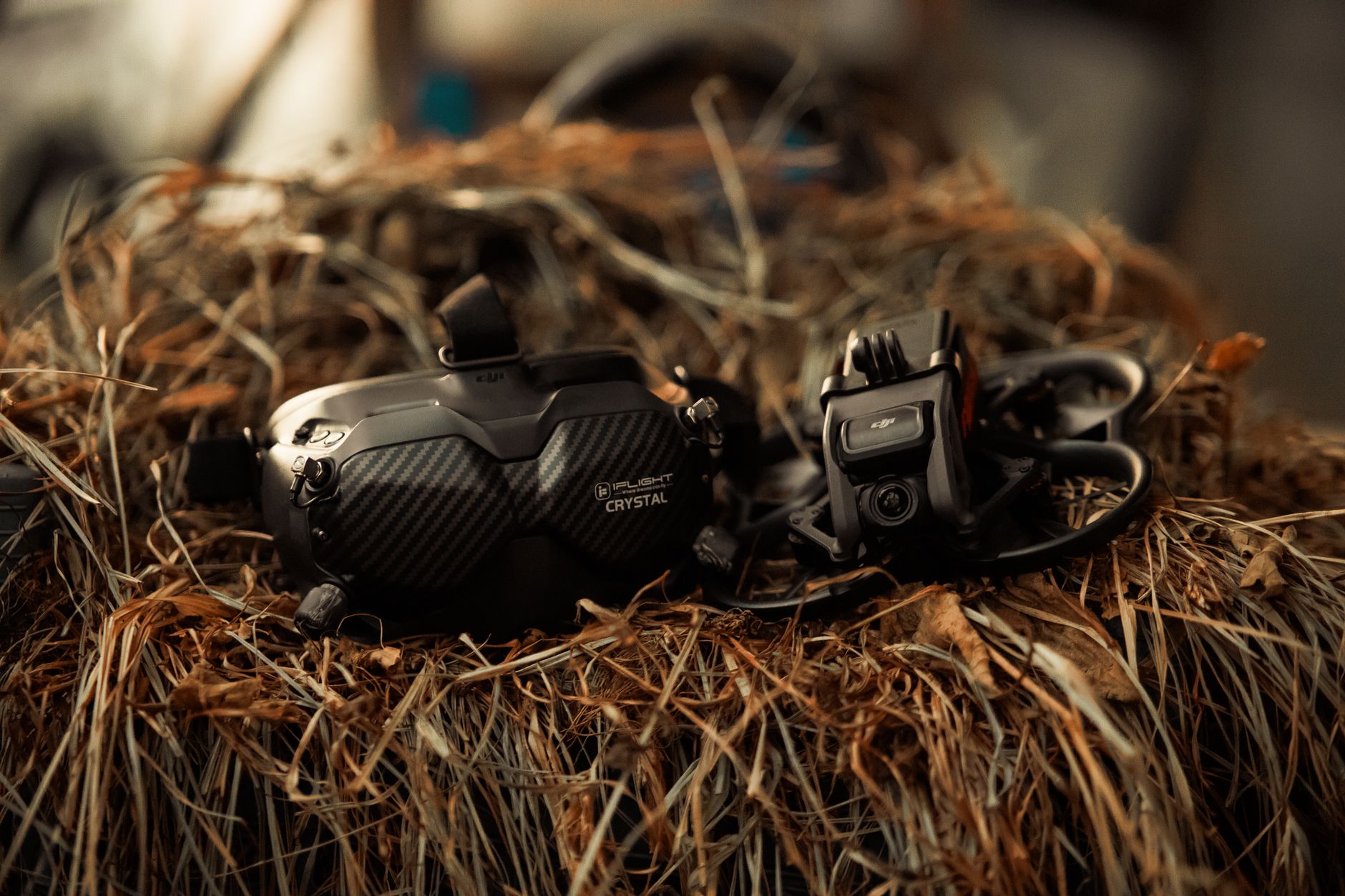
The iFlight Nazgul Evoque F5D is a 5-inch bind-and-fly quad for digital HD freestyle. It runs a DJI O3 Air Unit, so the pilot sees a low latency 1080p feed in the goggles. The frame, motors, and stack are pre-built and tuned. Weight with battery is about 700 grams, and flight time is 7 to 9 minutes. This is a heavy, powerful quad. Fly it in open parks or bando locations, not your living room. The first throttle punch will climb fast enough to lose sight in a few seconds.
We like the Nazgul for pilots moving up from 3-inch quads. The flight controller and ESC handle 6S batteries without drama. Expect to replace props often, and order frame arms ahead of time because 5-inch crash energy is real. The video quality matches other O3 rigs. You can record 4K from the air unit, but a separate action camera still improves low light and dynamic range. At around $599, check the iFlight Nazgul Evoque F5D on Amazon for current stock. If you need this for real estate or mapping work, check our best drones for aerial photography piece. In the USA, a quad over 250 grams needs FAA registration and Remote ID.
Key strengths:
- ✅ DJI O3 digital HD feed with low latency
- ✅ 6S power for aggressive freestyle
- ✅ Pre-tuned bind-and-fly build saves setup time
- ✅ 4K on-board recording from the air unit
- ✅ Wide parts availability for repairs
- ❌ 700 gram weight requires open space
- ❌ 7 to 9 minute flight time drains packs quickly
- ❌ Needs FAA registration and Remote ID in the USA
Who it’s for: Intermediate to advanced pilots who want a powerful digital freestyle drone.
5. GEPRC Cinelog35 V2 , Best Digital Cinewhoop for Indoor Shoots
The GEPRC Cinelog35 V2 is a 3.5-inch cinewhoop with prop guards and a digital HD video system. It weighs about 390 grams with battery and flies 8 to 10 minutes depending on payload. You can order it with DJI O3 or Walksnail Avatar HD. The camera is positioned for smooth cinematic moves around people and tight spaces. Its thrust-to-weight ratio is lower than a 5-inch freestyle quad, which actually helps when you need precise indoor control.
Use this drone for slow orbits, hallway fly-throughs, and close passes over subjects. The prop guards keep fingers and furniture safer. The downside is the guard design adds drag and reduces top speed. It also costs more than an analog whoop of the same size. Budget for spare ducts and a set of ND filters. For Canadian pilots, Transport Canada drone safety rules apply to flights over people and built-up areas.
Key strengths:
- ✅ Prop guards allow safer indoor and close flying
- ✅ Digital HD video improves framing and detail
- ✅ 8 to 10 minute flight time with a 390 gram weight
- ✅ Available with DJI O3 or Walksnail HD
- ✅ Smooth control for slow cinematic moves
- ❌ Prop guards add drag and reduce top speed
- ❌ Higher price than analog whoops
- ❌ Requires extra care near people despite guards
Who it’s for: Filmmakers and indoor shooters who need a safe, stable digital cinewhoop.
Frequently Asked Questions
What is the best FPV drone for beginners in 2026?
The BetaFPV Cetus X ready-to-fly kit is the best starting point. It includes the drone, radio, goggles, batteries, and charger. It weighs about 55 grams and flies about 8 minutes per battery.
Do I need a license to fly an FPV drone?
In the USA, drones over 250 grams need FAA registration. Most recreational pilots also need the free TRUST certificate. Check the FAA website for current rules. In Canada, drone registration and a pilot certificate are required for most models.
Analog or digital FPV? Which is better?
Analog has lower latency and lower cost. Digital gives HD video and better object detection. Racing pilots often prefer analog. Cinematic and freestyle pilots usually choose digital.
How long do FPV drone batteries last?
Most micro FPV drones fly 4 to 8 minutes per battery. The DJI Avata 2 flies about 23 minutes. Always carry multiple packs and store them at 3.8 volts per cell when not flying.
Can I fly an FPV drone indoors?
Small ducted drones like the BetaFPV Cetus X and GEPRC Cinelog35 V2 can fly indoors. Larger open-rotor drones need outdoor space. Indoor flying still requires caution around people and property.
What does bind-and-fly mean?
A bind-and-fly drone does not include a radio or goggles. You bind it to your own transmitter and video receiver. Ready-to-fly kits include everything in one box.
What Should You Remember?
- Ready-to-fly kits bundle everything you need to start FPV in one box.
- Analog video offers lower latency and lower cost for racing.
- Digital HD systems deliver clearer video for cinematic flying.
- Weight matters because drones over 250 grams need FAA registration in the USA.
- Flight time varies between 4 minutes on micro quads and 23 minutes on DJI Avata 2.
- Bind-and-fly drones save money if you already own a radio and goggles.
- Prop guards and spares reduce downtime after early crashes.
This article is for general information only. Drone regulations vary by region and change frequently — always verify current local laws and airspace rules before flying.